
The electronic pilot logbook on autopilot
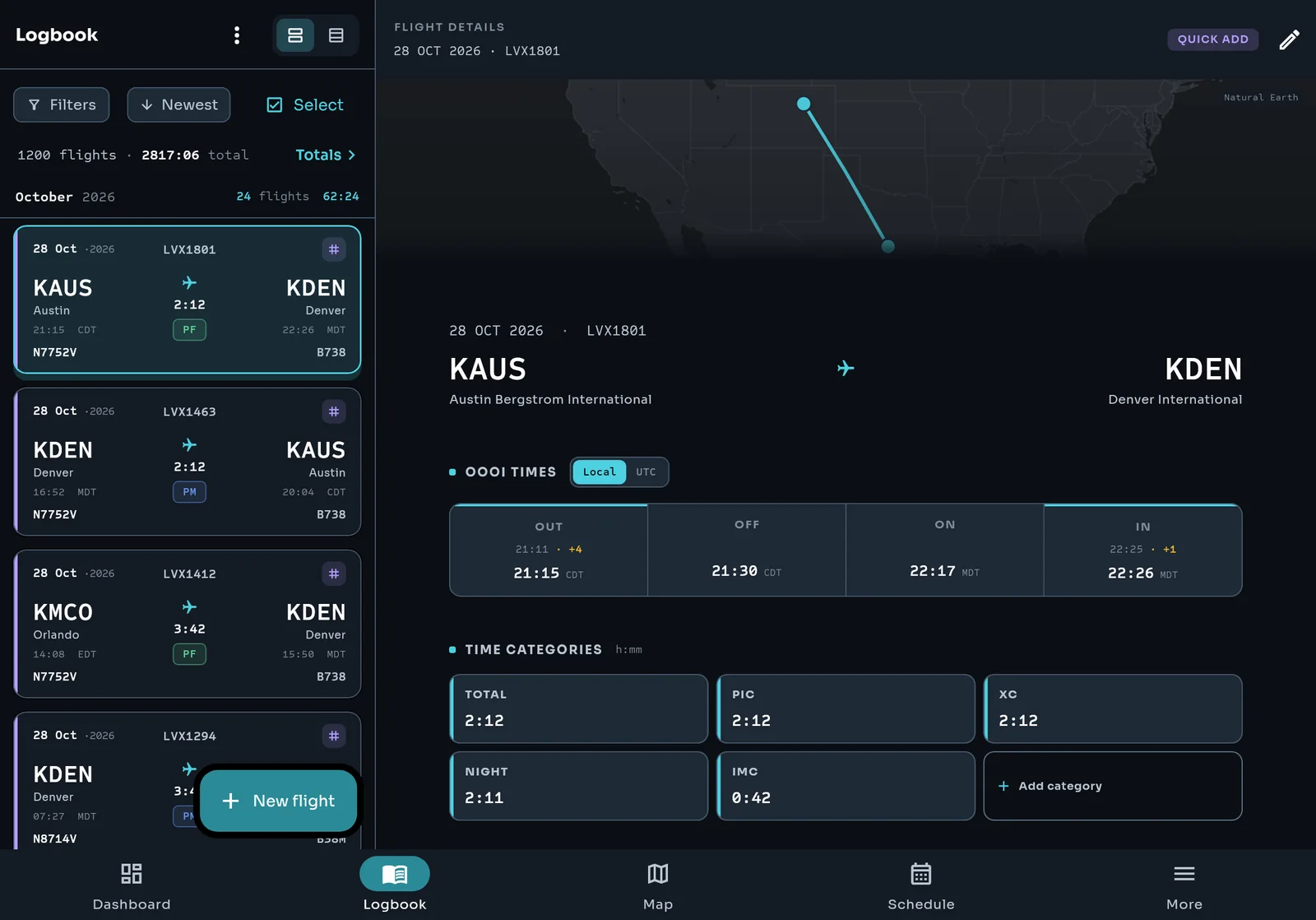
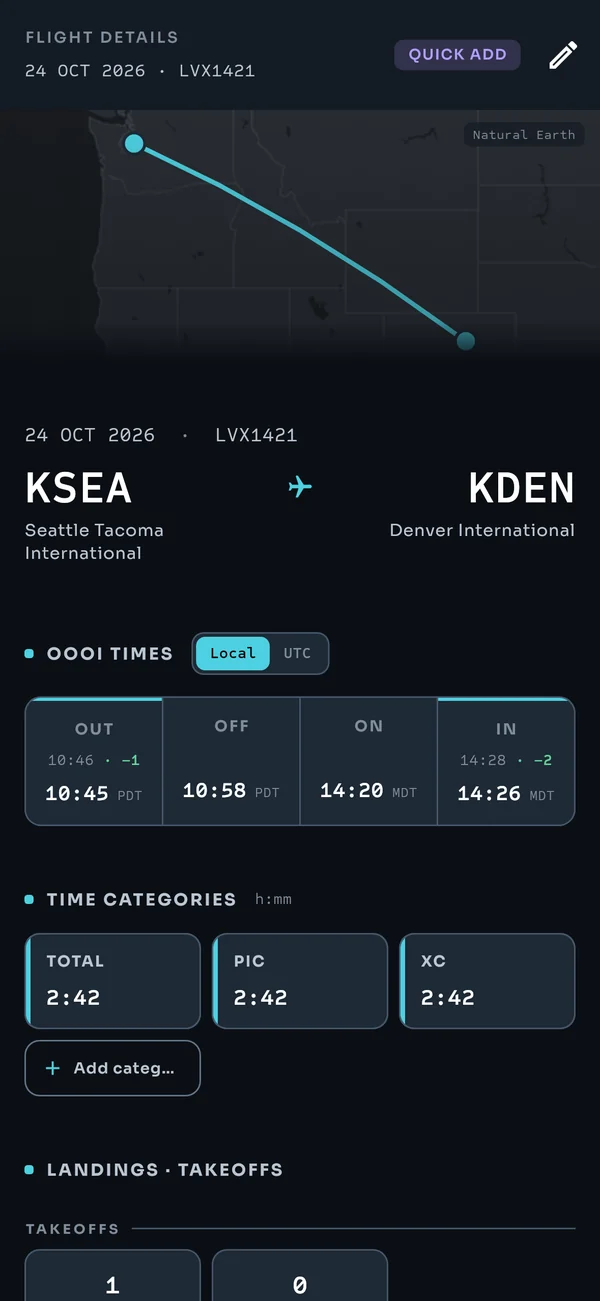
LogVector is a digital pilot logbook built by an airline pilot. It reads your schedule, senses your flights and fills in the real times after you land. You check each flight and tap once to log it.


The logbook is free. Every plan starts with 2 weeks of Pro. On iPhone, iPad and Android.
What a paper logbook cannot do
A digital logbook is more than a typed copy of the paper one. It adds up, checks and remembers for you.
Totals that add themselves
Every flight updates your totals by aircraft type, by category and by period. No page sums to carry forward.
Currency you can see
Landing currency and rolling flight time limits are worked out from your record, so you know where you stand before the trip.
Flights that fill themselves in
With a plan, your schedule and your phone fill in out, off, on and in. You check the flight and tap once.
StandardA record that keeps its history
Every edit keeps its history, and a deleted flight can be restored.
Exports for the paperwork
Form 8710 totals, airline application summaries, a printable logbook and a full copy of your data, any time.
On every device
iPhone, iPad, Android and any web browser, with one account. Log with no signal and it syncs later.
How to choose a digital pilot logbook
Six questions worth asking of any electronic logbook, with LogVector's answers.
The logbook is free. A plan does the typing.
Logging, editing, file imports and every export are free on every plan, forever. Standard adds automatic logging from GPS and your schedule. Pro adds live alerts on your next leg, sharing with family and paper logbook scanning. Every plan starts with 2 weeks of Pro, free.
See the plans and pricesThe short answers
Is LogVector a free electronic logbook?
The logbook is free: adding, editing, importing files and exporting cost nothing, with no card and no time limit. Paid plans add the automatic work.
Which devices does it run on?
iPhone, iPad and Android, and any web browser at app.logvector.app. One account keeps them all in step.
Can I switch from another electronic logbook?
Yes. LogVector reads export files from ForeFlight, LogTen Pro, MyFlightbook, FlightGauge, CrossCheck Hub and Flighty, and any spreadsheet saved as CSV. How importing works.
More about LogVector
Your logbook on autopilot
Download LogVector and start with the free logbook. Every plan starts with 2 weeks of Pro.